 Virtual Wing
 · Interface walkthrough
A real screen recording of Virtual Wing. Explore the controls, views and playback feedback.
MAC & WINDOWS SOFTWARE
 onPC
Program your shows with faders, encoders and dedicated keys. See supported values and colours sync in both directions.
Mac & Windows · Free 24-hour trial · USD $45, free updates
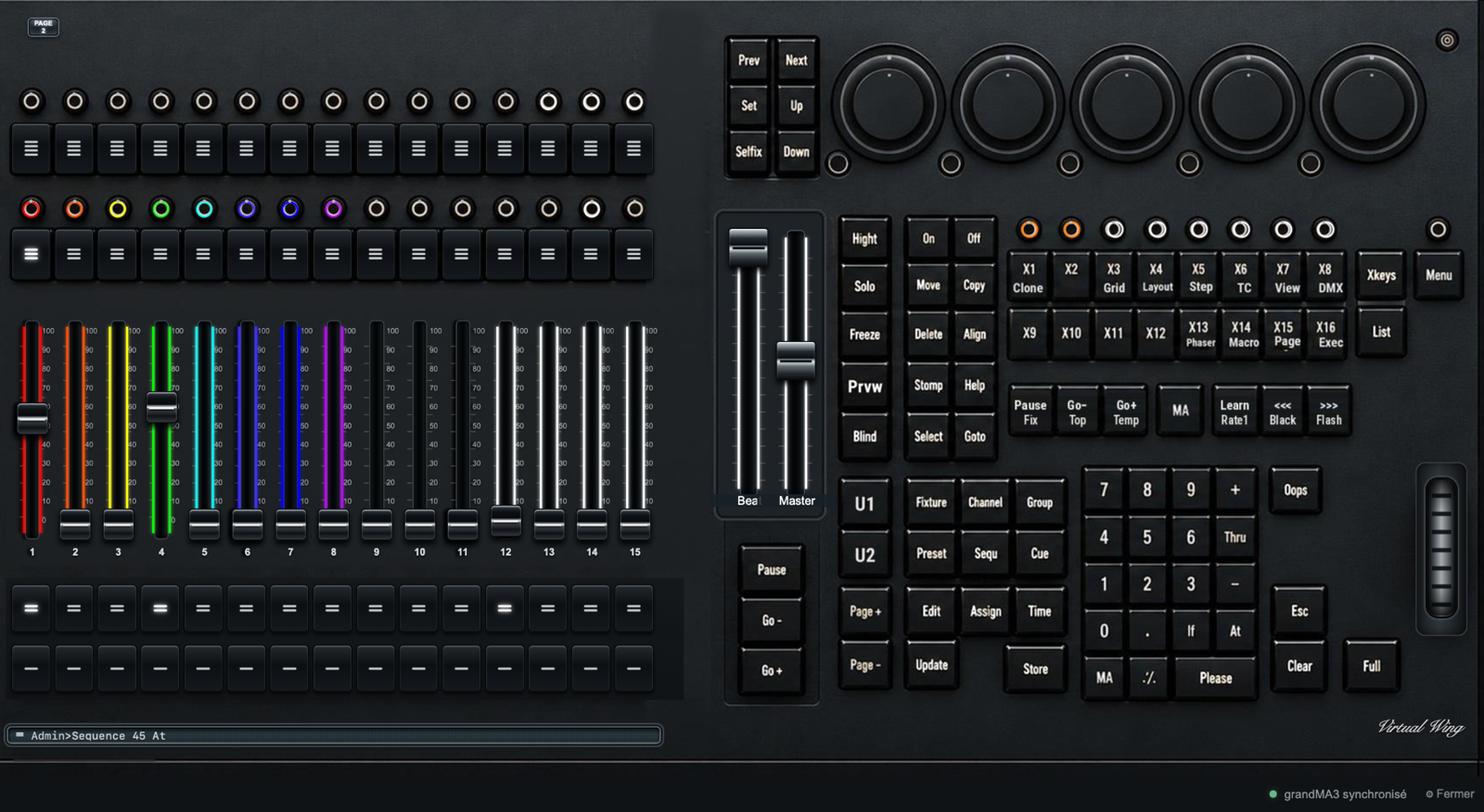
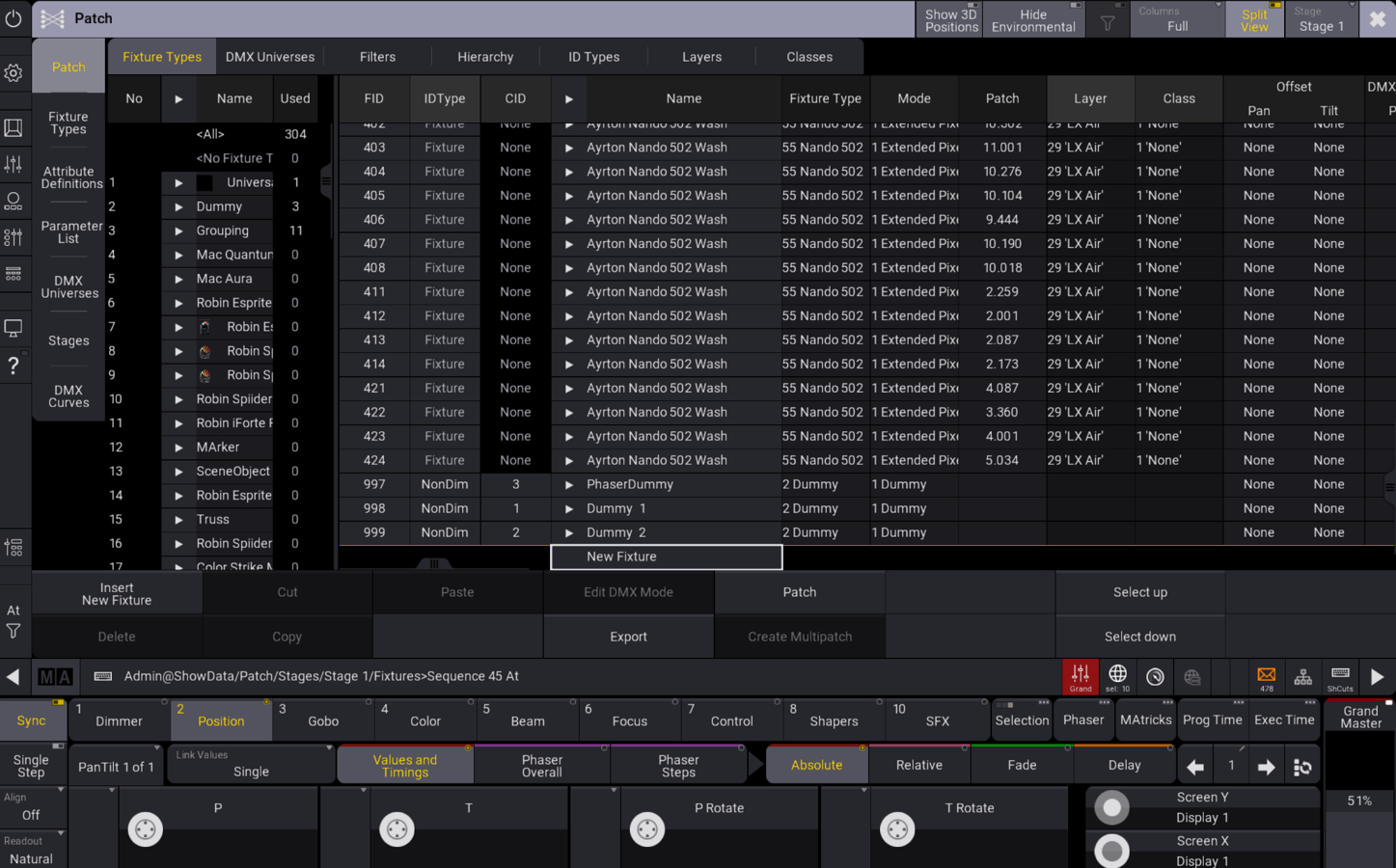
Select a screenshot to see the full-size interface.
Virtual Wing is a remote control surface for grandMA3 onPC on Mac and Windows. Executors, faders, encoders, command keys and the command line are on one screen, with mouse or touchscreen, so you can program and play back your lighting shows without a physical MA3 wing.
It talks to grandMA3 onPC over OSC with two-way feedback, on the same computer or over your network, using the included grandMA3 plugin. Made for lighting designers and programmers who prepare their shows at home, in the studio or on tour.
A real screen recording of Virtual Wing. Explore the controls, views and playback feedback.
Move the encoders by touch and watch the beams respond on the screen beside it.
Virtual Wing and grandMA3 onPC — first sequence
Continuation of recording one, both screens together
Second recording, beginning
Second recording, continued
VIRTUAL WING VIEWS
Activate online to start your 24-hour trial. You can reopen Virtual Wing during that period.
Free on Payhip ($0): choose Mac or Windows, then extract the ZIP.
Import the included plugin and follow the OSC guide.
Open Virtual Wing and enter the trial code.
FREETEST2026
Use Virtual Wing and grandMA3 onPC on the same computer or on two computers on the same network. The installer includes the plugin and setup guides in French and English.
Read the FAQ →Already a customer? Your licence stays valid and updates are free.
USD $45 · Taxes included where applicable · Free updates
Download the ZIP for Mac or Windows from your Payhip purchase link. It contains the DMG or EXE, with the grandMA3 plugin and installation guides included. iPad is not included.
Secure checkout via Payhip
The Mac application or Windows installer, according to your choice, with the grandMA3 Lua/XML plugin and French and English installation guides.
Yes. Virtual Wing and grandMA3 onPC can run on separate Macs on the same network. Install the supplied plugin in grandMA3 and follow the two-Mac OSC configuration in the guide.
Yes. Commands go from Virtual Wing to grandMA3 onPC, and supported values, states and colours return to Virtual Wing—including changes made directly in grandMA3. The plugin and OSC settings must be configured.
No. Virtual Wing is a control surface, not MA output hardware. It does not unlock parameters. DMX output remains subject to MA Lighting’s hardware requirements. MA Lighting manual ↗
Activate once online with your Payhip licence key, then use the app offline. Updates are free. Virtual Wing checks for updates at launch and installs them from inside the app. You can also download the latest version again from your Payhip purchase email.
Mac and Windows are separate downloads from your Payhip purchase link. iPad is still in development and is not included.
Contact Mathieu on Instagram and follow Virtual Wing demos and news.